
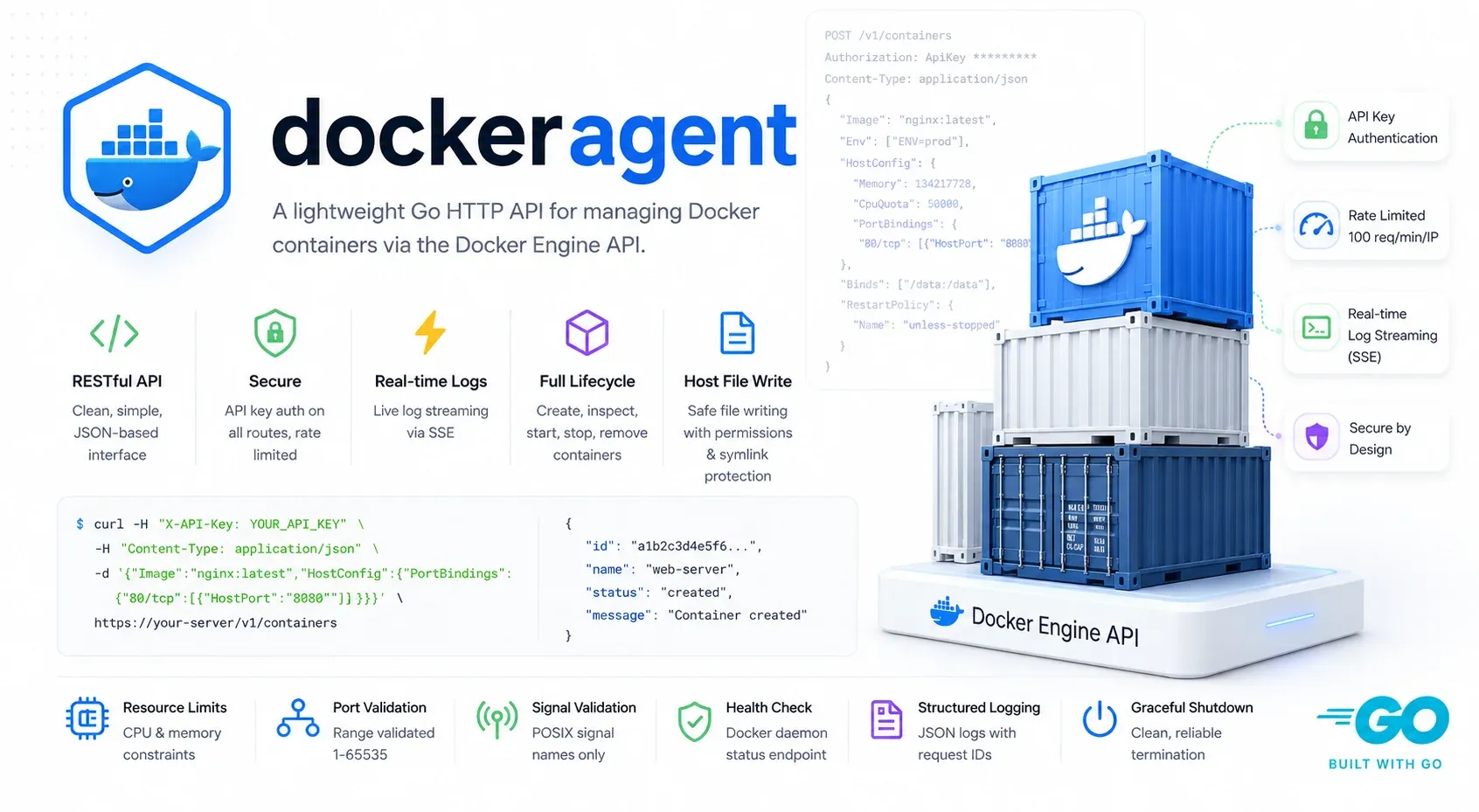
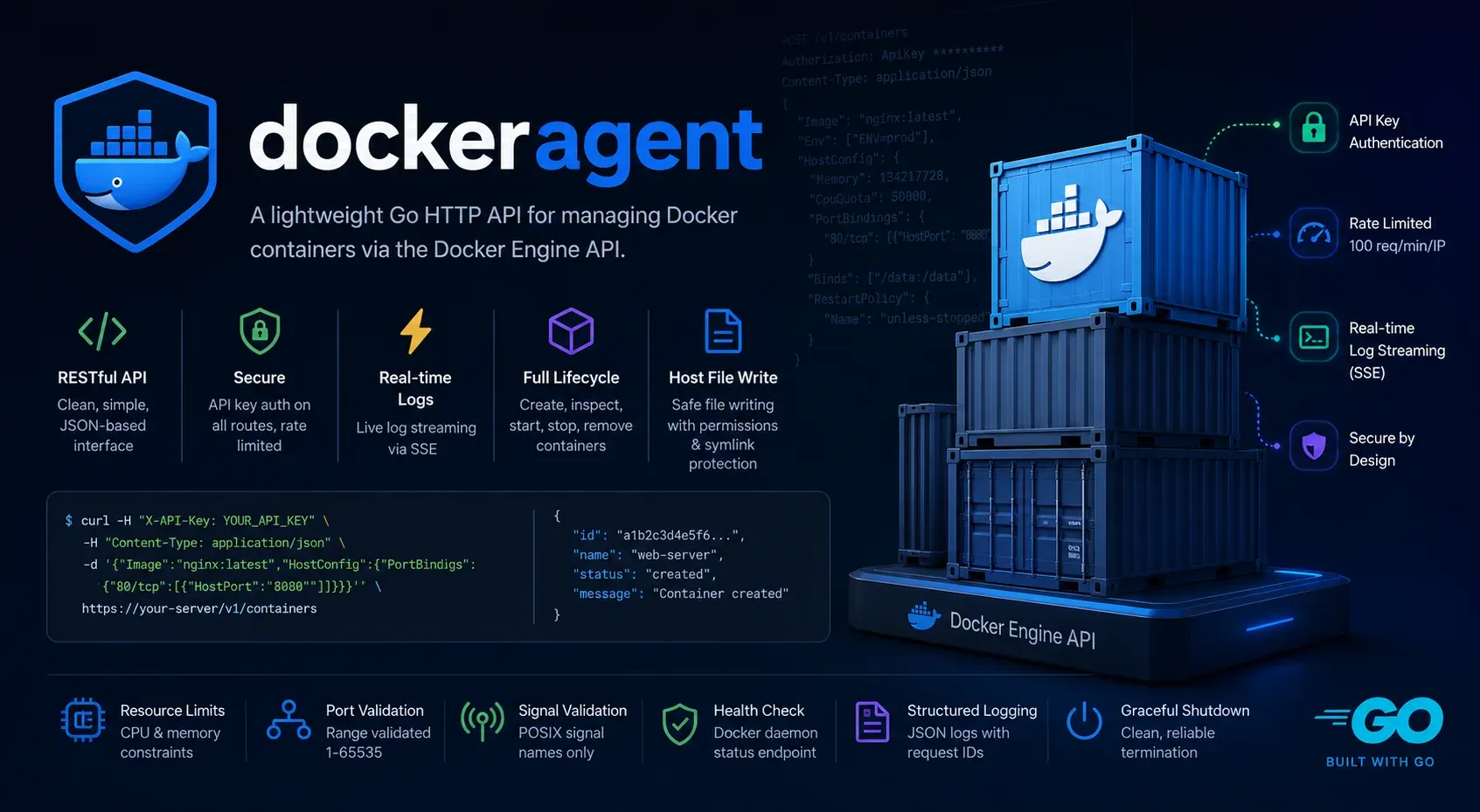
Docker Agent
Lightweight Go HTTP API for Docker container management.
Why this exists
I had a script that needed to start, stop, and inspect containers on a remote box, and I didn’t want to install an agent that could also run bash -c for the same reason I wouldn’t paste an SSH key into a random npm package. SSH gives you everything; the Docker socket gives you everything-with-Docker; what I wanted was just enough to keep a fleet of containers moving around without handing over the host.
So Docker Agent is small on purpose. It’s a thin REST wrapper over the moby SDK, written in Go 1.25 on Fiber v3, CGO disabled, multi-stage Alpine, ships as one static binary. Internally it’s the usual layered split — a router, a middleware chain, handlers that parse and validate, a service layer that translates between API shapes and the SDK, and DTOs in their own package. Nothing clever. The Docker client comes in through an interface, which sounds like ceremony but matters: tests can swap it out, and if the SDK ever changes shape the seam is already there.
The middleware chain
The order matters and I’ve gotten pedantic about it. Recover runs first so a panic doesn’t take down the process. Then a request ID, then a logger, then /health bypasses auth (you want a probe to work before you’ve copied the key around), then the keyauth check, then rate limiting, then the handler. The interesting choice is putting the limiter behind auth. Putting it in front lets unauthenticated callers burn your quota for free; putting it behind means an attacker needs a valid key before they can DoS you, and at that point you have bigger problems than a 429. The limiter is keyed on the API key, not the source IP, so it still works when the agent sits behind a load balancer.
Auth, one header, three things I care about
The whole auth model is X-API-Key. Three details:
The process refuses to start with a key shorter than 32 characters. If you’re going to ship something with this much daemon access, you shouldn’t also be able to make the key "password". The comparison uses crypto/subtle.ConstantTimeCompare, so there’s no length or character-by-character timing side channel. And missing key and wrong key return the same 401 with the same body — no “this key expired” vs “this key never existed” distinction, because that’s an information leak.
The API surface, deliberately finite
| Endpoint | Purpose |
|---|---|
POST /api/v1/containers | Create with image, cmd, env, ports, volumes, networks, limits, restart policy |
GET /api/v1/containers?all=true | List running, or all |
GET /api/v1/containers/:id | Inspect (full Docker inspect response) |
POST /api/v1/containers/:id/stop | Stop with a timeout and a POSIX-allowlisted signal |
DELETE /api/v1/containers/:id | Remove, optionally with volumes |
GET /api/v1/containers/:id/logs | Fetch logs, or stream via SSE when follow=true |
POST /api/v1/files | Write into the host filesystem with traversal protection |
GET /health | Daemon connectivity probe, no auth |
No exec. No image build. No network or volume CRUD. The moment you add exec, the holder of the API key effectively has root on the host, and the whole security story collapses. Refusing to add it is the security story.
Validation runs before the daemon ever sees the call
Every field gets checked at the handler layer so malformed input never reaches Docker. Ports get clamped to 1–65535. Signals are checked against a hardcoded POSIX allowlist — unknown ones are rejected instead of being passed through to whatever the kernel decides to make of them. File paths must be absolute, .. is refused, and then filepath.EvalSymlinks resolves parent directories. That second step is the one that catches the sneaky case: someone can pre-create a symlink to escape /host even when the literal path doesn’t contain a ... Permissions get parsed as octal and capped at 0o7777. Restart policies are enum-checked. Request bodies are capped at 10 MB through Fiber’s BodyLimit. None of this is dramatic; all of it would’ve bitten me eventually if I hadn’t done it up front.
Errors share one envelope
Docker errors are heterogeneous, so they get classified through containerd/errdefs type assertions — IsNotFound becomes 404, IsConflict becomes 409, and so on — with a string-match fallback for the few errors that don’t implement the interface. Everything comes back as { error, message, status }. Callers can rely on the HTTP code alone. The alternative — sprinkling if strings.Contains(err.Error(), "no such container") through every handler — ages badly the first time Docker rewords a message.
Log streaming over SSE, not WebSocket
follow=true flips the response to Server-Sent Events through Fiber v3’s c.SendStreamWriter. WriteTimeout on the listener is zero on purpose so long-lived streams don’t get killed mid-flight. I went back and forth between SSE and WebSockets and landed on SSE because the channel is one-way, it’s browser-native, and you can debug it with curl. No protocol upgrade, no extra dependency, and the same endpoint works for both follow and non-follow with a query flag.
Deploying
Mount the Docker socket so the agent can talk to the daemon, and mount the host filesystem at /host if you want the file-write endpoint. Standalone (non-containerized) usage works identically — the binary respects DOCKER_HOST, so it’ll happily target a remote daemon over TCP or SSH if you’d rather not run it inside the cluster you’re managing. Graceful shutdown drains through Fiber’s context-aware path on SIGINT or SIGTERM with a ten-second window, and the Docker client closes cleanly so in-flight log streams aren’t ripped out from under their subscribers.
The shape, summarized
The whole project is shaped by one decision: keep the API finite and validate aggressively. The errdefs classification keeps handlers free of strings.Contains chains. The two-layer path-traversal defense (reject .., then resolve symlinks) catches the case where a parent doesn’t even exist yet. And the choice not to add exec isn’t a TODO — it’s the feature. If you need exec, you don’t need this. You need SSH.